
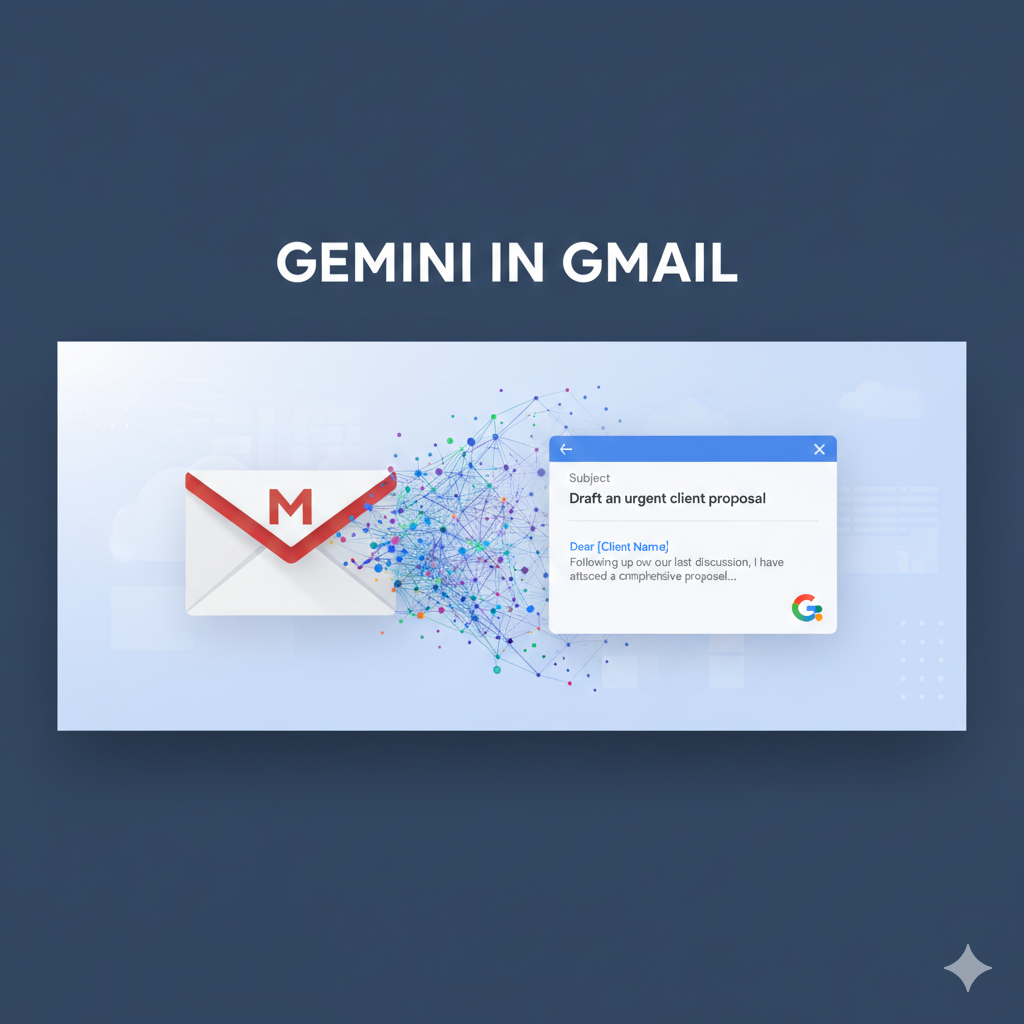
Gemini in Gmail provides several AI-powered features to help you manage your inbox and work more efficiently.
AI overview

AI overview gives you an overview of your inbox. I asked gemini to provide me an overview of comments that I need to moderate on my website. Gemini was able to reference several emails that involved wordpress comments. And it gave me a general description of my comment moderation activity.
Smarter replies

Instead of giving preset texts as previously was the case in Gmail, Gemini can now write a reply for you that is more personalized to your tone. It also allows you to refine the given reply by making it more formal, shorter or elaborate.
Help me write

If you are stuck with a blank slate on writing an email, Gemini’s help me write function will help you out with this. I asked Gemini to generate for me an email reviewing a team members performance. It gave me a well written text, with smart placeholders that allowed me to tweak the information on my email. Gemini also provides grammar checks, suggesting better sentence structure. Albeit, this feature is only in the pro plan.
AI inbox

This AI inbox feature gives you a souped up search function for your inbox. I queried Gemini on when the last time I received an email from a particular someone, it managed to search through all my emails, find the information it needed and displayed that information to me along with the subject of the email. Pretty impressive. This feature requires a paid subscription.
Now with Gemini, you have the power of AI in your inbox. Sort, search, query and draft your most converting emails to your hearts delights.